
Multimedia and Visual Design
Selected Work

Medical Sales Promotional Video:
Cambridge Sensors' Microdot company engaged me to create a promotional video targeting EMS, long-term care, and healthcare professionals to showcase their top diagnostic products while addressing a critical industry issue: supply shortages and delays impacting patient care. Through research and consultation, we identified the need for a fast, visually engaging, and informative format that could highlight how Microdot’s dedicated sales team and reliable distributor network proactively resolve these challenges.
Audience: EMS, Long Term Care and Health Professionals
Responsibilities: Research, Instructional Design, Graphic Design
Tools Used: Articulate Storyline 360, Vyond, Procreate
Professional History Timeline:
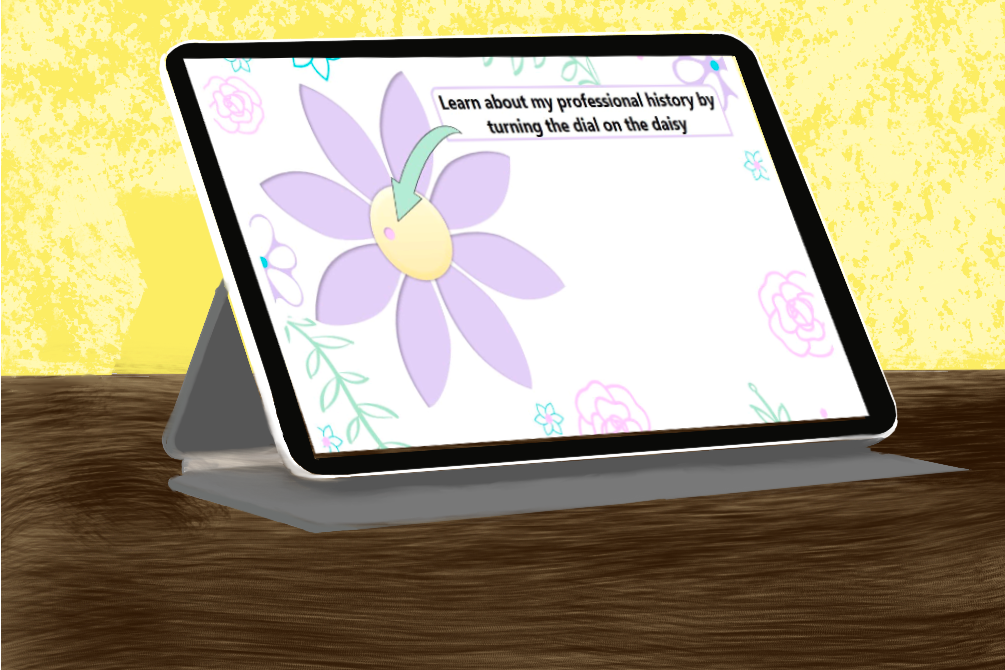
This interactive resume reimagines professional growth through a dynamic radial timeline. Instead of the traditional top-down format, work experiences spiral outward from the center, creating an engaging visual journey. Each milestone reveals detailed achievements when clicked, transforming a static work history into an explorable story.
Audience: future employers
Responsibilities: Research, Instructional Design
Tools Used: Articulate Storyline 360, Procreate, Google Docs
Custom Digital Pet Illustrations
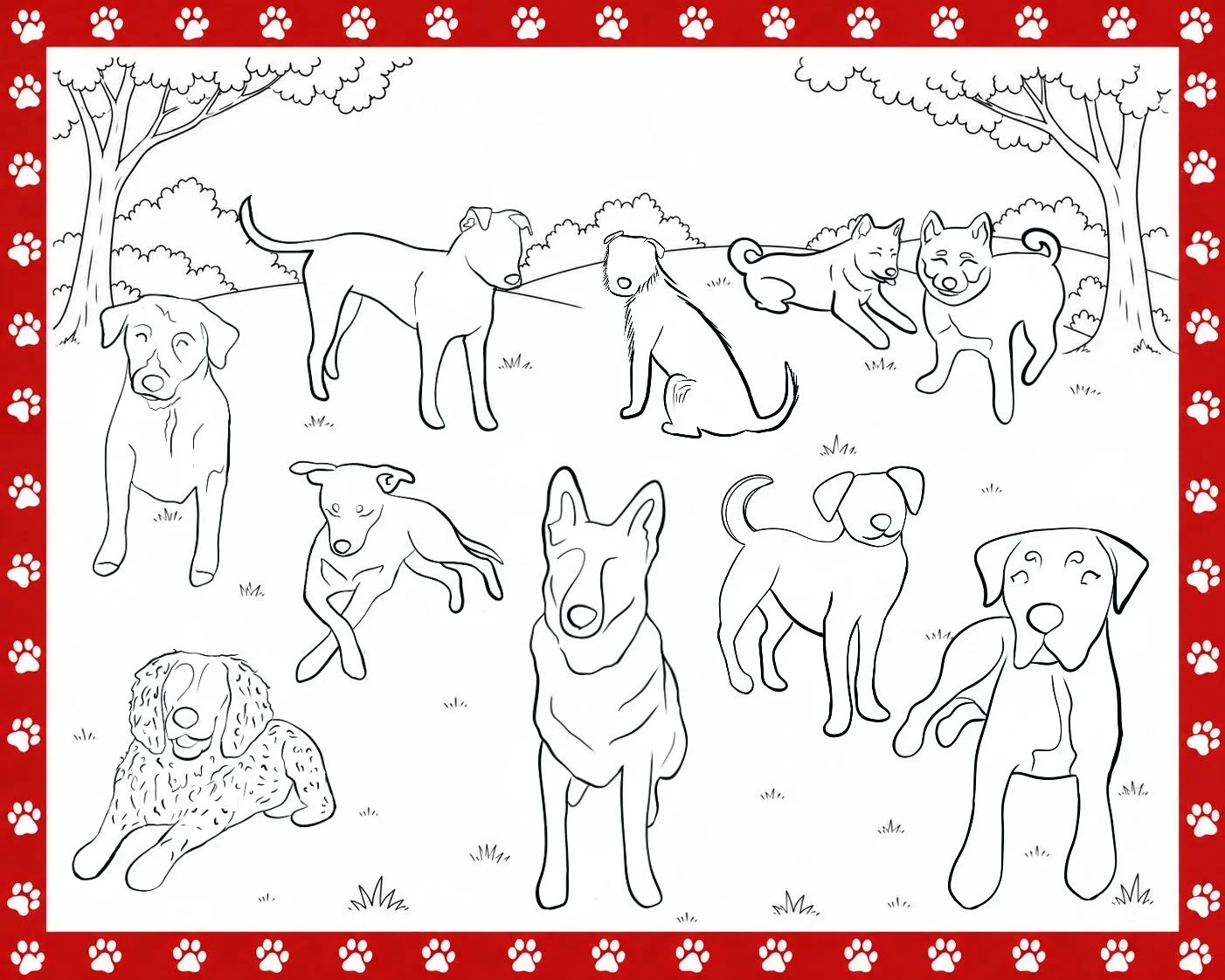
This commissioned digital illustration project involved creating custom pet portraits from client-provided photographs. Each piece was individually illustrated to capture the animal’s recognizable features, personality, and coloring while maintaining a consistent artistic style. The work demonstrates my ability to interpret visual references, incorporate client preferences, and create original digital artwork for personalized use.
Audience: Individual clients seeking custom digital artwork
Responsibilities: Client Collaboration, Reference Interpretation, Digital Illustration, and Visual Design
Tools Used: Procreate
Storyline Software Simulation: Graded Question, Hotspot
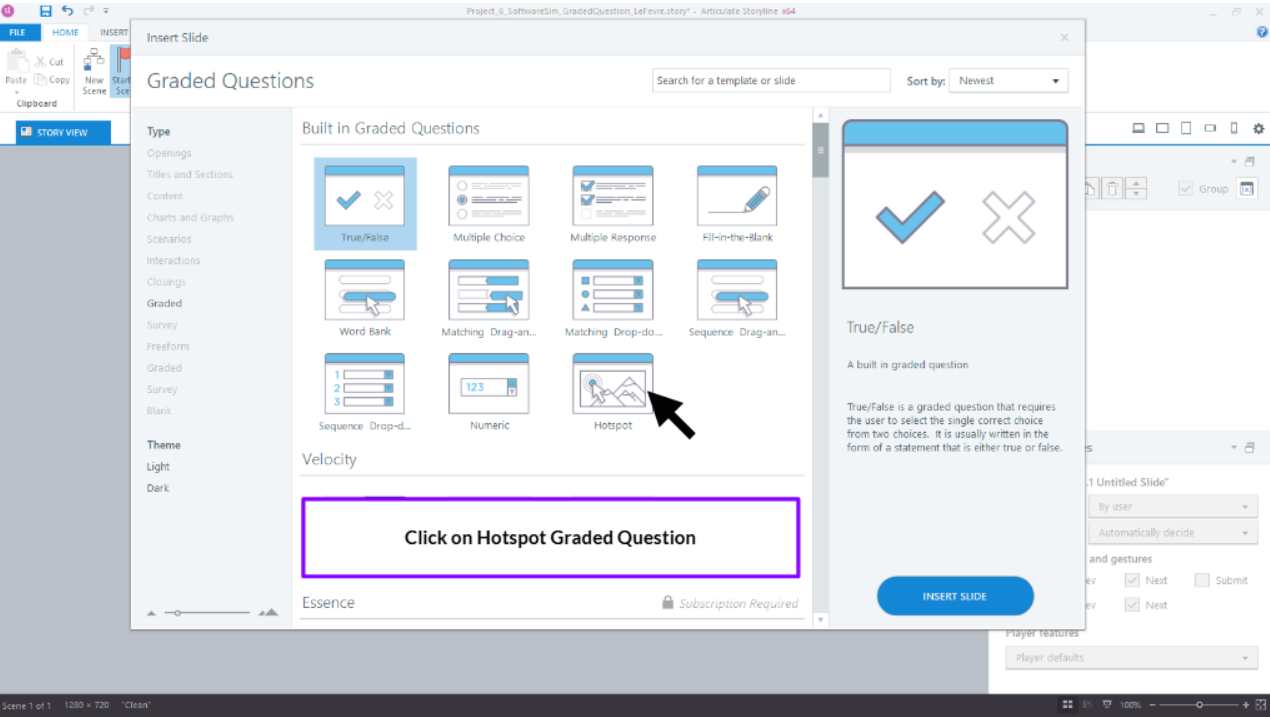
This interactive software simulation demonstrates how to create a graded hotspot question in Articulate Storyline 360. Learners practice navigating the Storyline interface and selecting the correct tool within a realistic software environment, providing hands-on application rather than relying on written instructions alone. The simulation demonstrates how guided practice and assessment can support software and systems training.
Audience: Instructional Designers and eLearning Developers learning Articulate Storyline 360
Responsibilities: Instructional Design, Software Simulation Development, Assessment Design, and eLearning Development
Tools Used: Articulate Storyline 360